
Getting Started
To get started with the DRI Analytics webapp, you need to visit the link below:
DRI AnalyticsOn the Login page, insert your credential to access the webapp and click on the button.
The figure below displays the Login page of the DRI Analytics webapp.
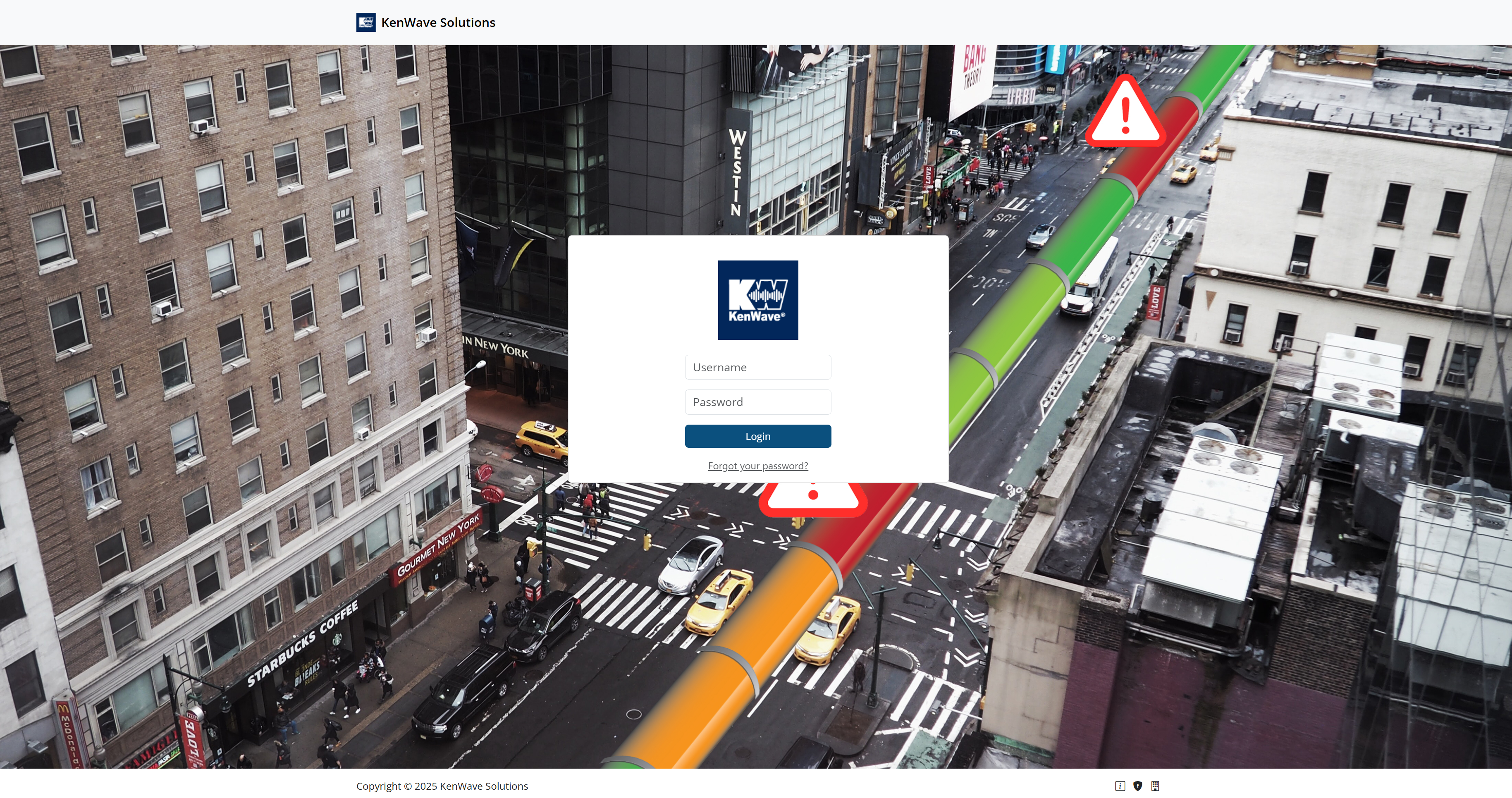
DRI Analytics login page
Tip
In case you do not remember the password, click on the link Forgot your password? to reset it.
After logging in, you will be redirected to the Dashboard page. The Dashboard page is the first page you will see when you log in to the DRI Analytics webapp. It provides an overview of the data available in the platform.
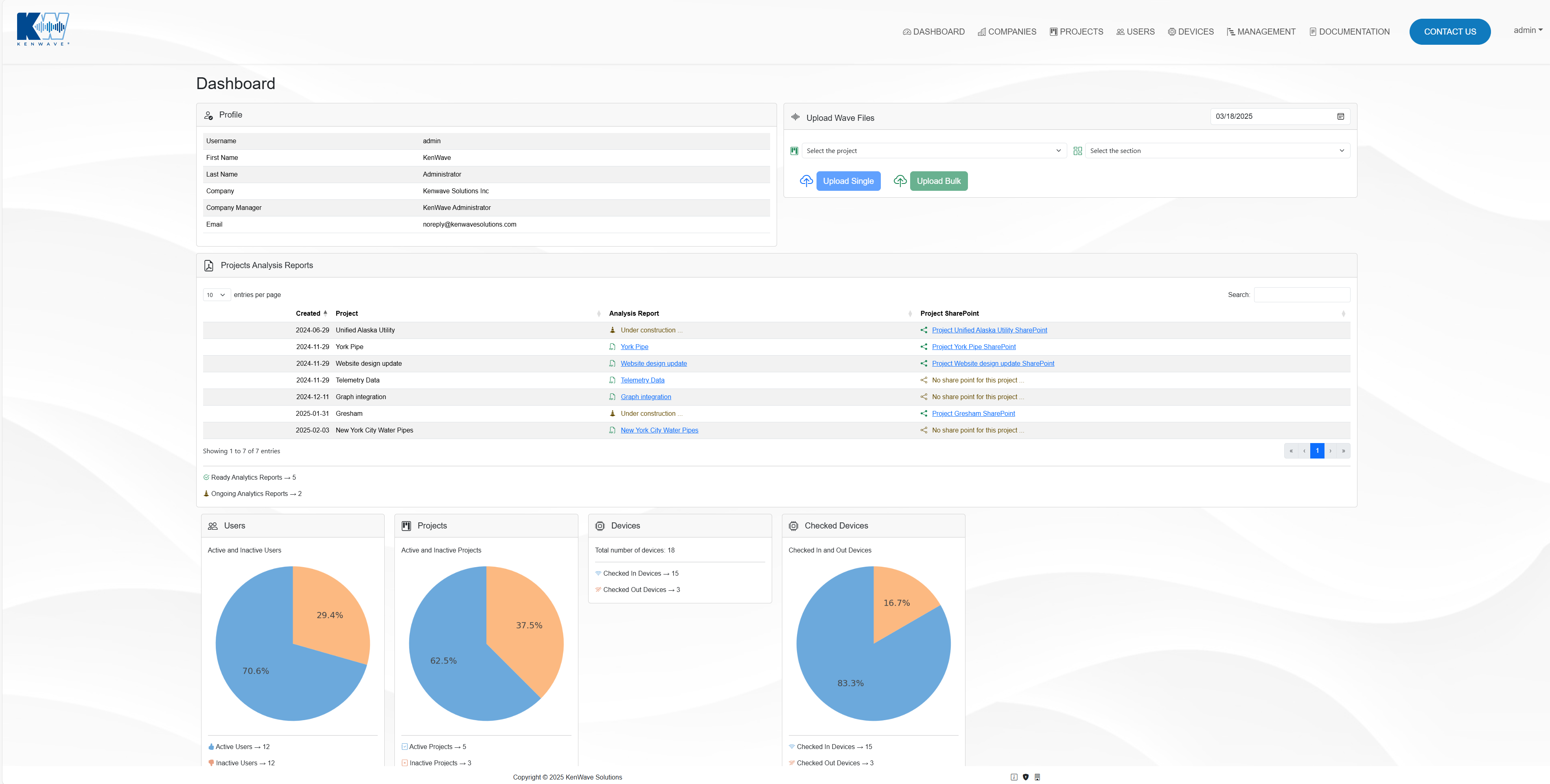
DRI Analytics dashboard page