Get the Number of Devices
To get the number of company devices, follow the steps below.
Company Number of Devices
On the navbar, click on the Dashboard link.
The Company Number of Devices card shows the number of the company devices.
The figure below shows a Company Number of Devices card:
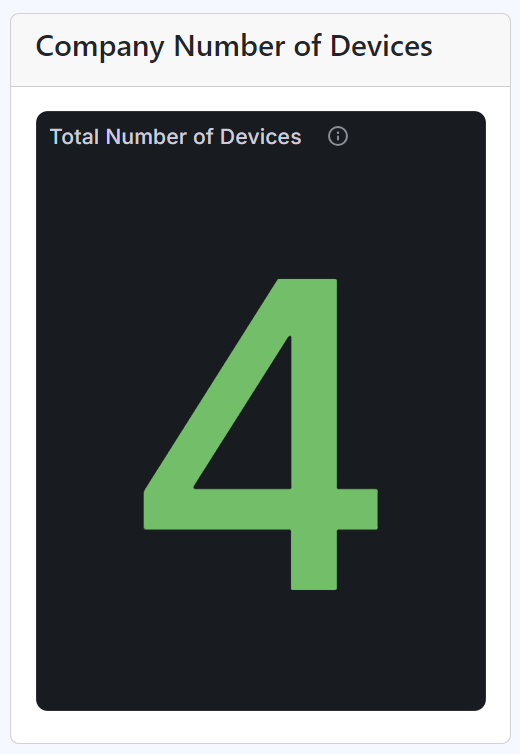
Company number of devices card
Note
The Company Number of Devices card shows the number of devices registered to the company, independently whether the status of the devices are checked in or out.