Number of Devices
The Company Number of Devices card on the Dashboard page shows the total number of the selected company.
The figure below shows the Status card on the Dashboard page:
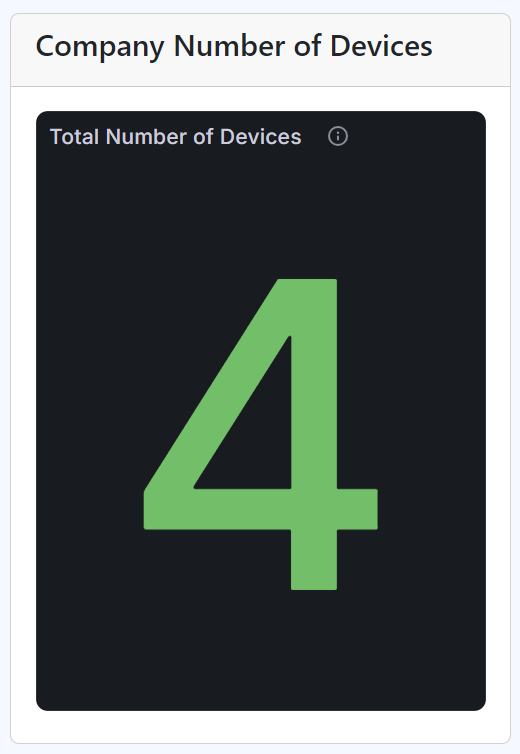
Company Number of Devices card os the Dashboard page
Note
Checked Devices
To know the number of devices that are checked, hover over the Checked Devices pie chart slices.
The interior of the pie chart slices shows the total number of Checked and Unchecked devices, whereas the legends of the graph display their percentages.