Projects
The Projects card on the Dashboard page shows the number and percentages of the active and inactive projects of the selected company, with color descriptors for each device’s status:
- Green - active projects.
- Yellow - inactive projects.
The figure below shows the Projects card on the Dashboard page:
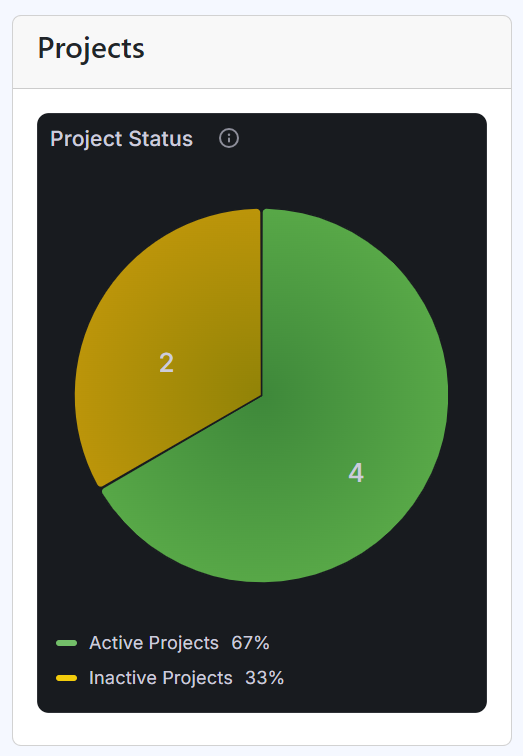
Projects card on the Dashboard page
The Active bar displays the percentage of the active processes among all the company’s processes in the range of 0 to 100%, whereas the Inactive bar presents the percentage of inactive ones.