View Reports
To view the company’s project reports, follow the steps below.
Viewing Reports
On the navbar, click on the Companies link.
On the column Actions of the Companies page, click on the Projects button of the company you want to view the reports.
On the accordion, click on one of the sections’ titles to find the desired project.
Click on the View Report button of the project.
Warning
If the project does not have any project, a green button labeled Create Report appears instead of View Report.
The Project Report page appears.
The figure below shows an example of a project report page:
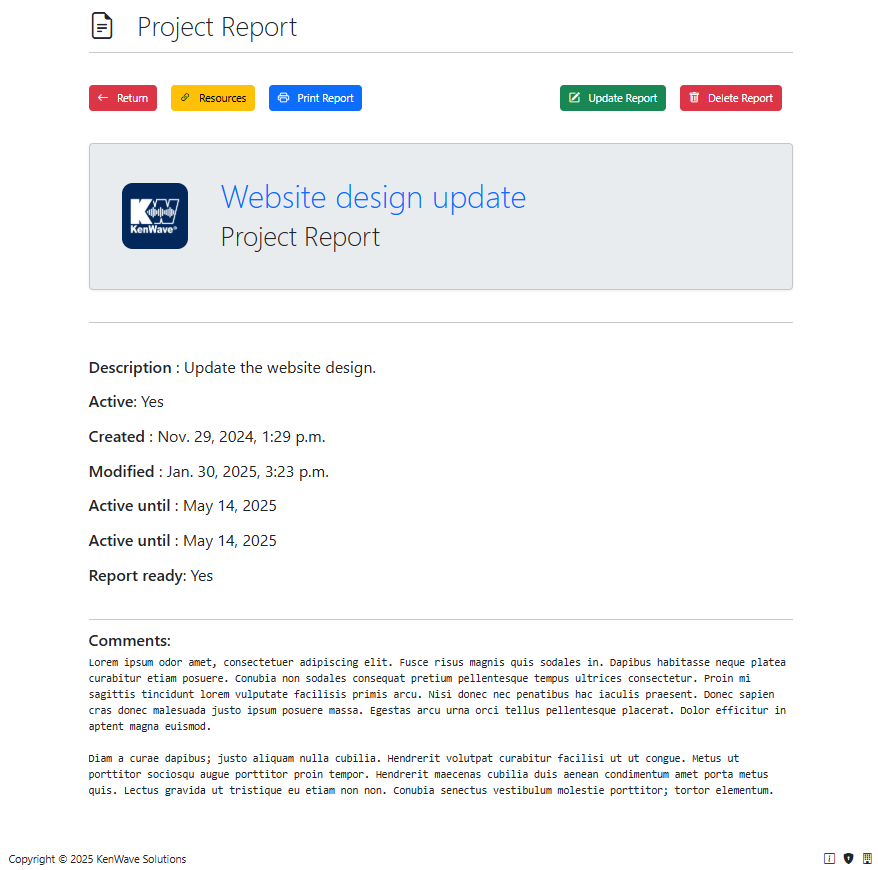
View project report page