Edit
The Edit button on the Projects page allows the user to edit the following company’s project information:
Name
Description
Active Until
Project Manager
Company
Status
Note
If the manager does not appear in the list, ask your administrator to include them as a new user in the DRI Analytics database.
The figure below shows a project edit form:
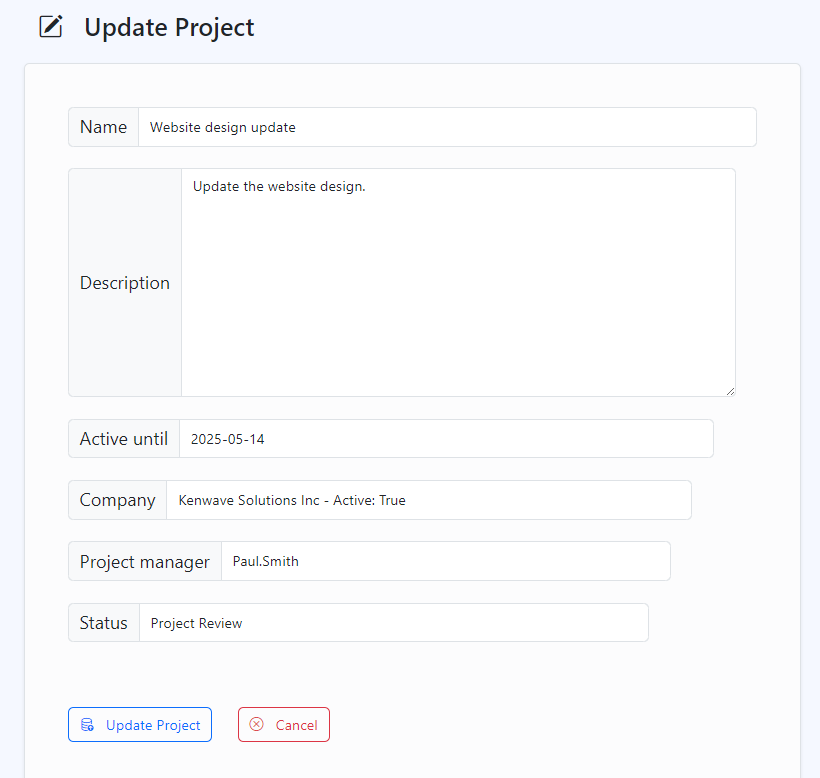
Edit project form on Projects page
To edit a project, click on the link below to navigate to its how-to page:
How To Edit a Company