Activate / Deactivate Projects
To activate or deactivate a project, follow the steps below.
Activating / Deactivating Projects
On the navbar, click on the Projects link.
On the column Actions of the Projects page, click on the green Activate button to activate the project; to deactivate the project, click on the red Deactivate button.
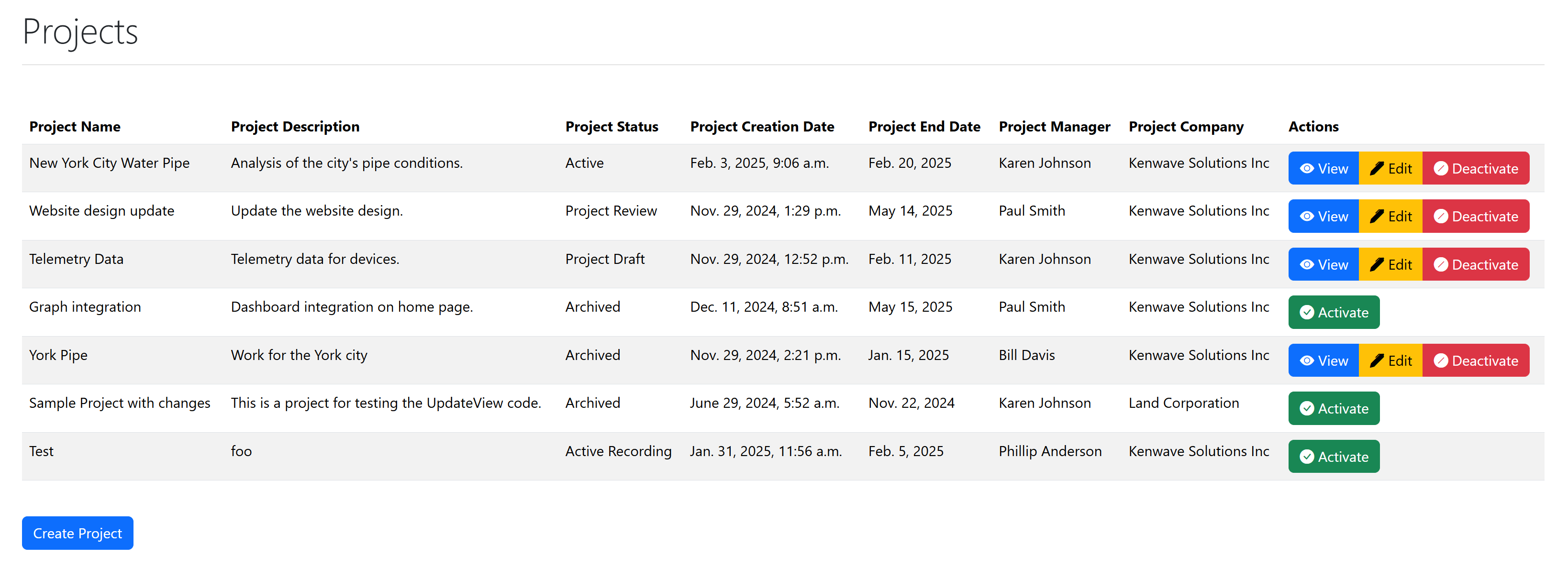
Buttons Activate and Deactivate on the Projects page
Note
When the project is deactivated, its column Actions will only show the button.