Edit a User
The Edit button on the Users page allows the user to edit the User data.
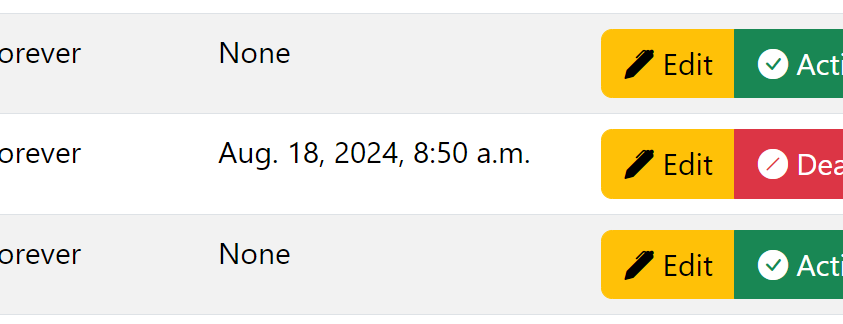
DRI Analytics yellow Edit buttons on the Users page.
Editing a User
On the navbar, click on the Users link.
On the Users page, find the user’s line for editing.
Click on the Edit button on the user’s line.
Fill the fields on the Edit User form.
Click on the button Update.