Deactivate a User
The Deactivate button on the Users page allows managers to deactivate a user.
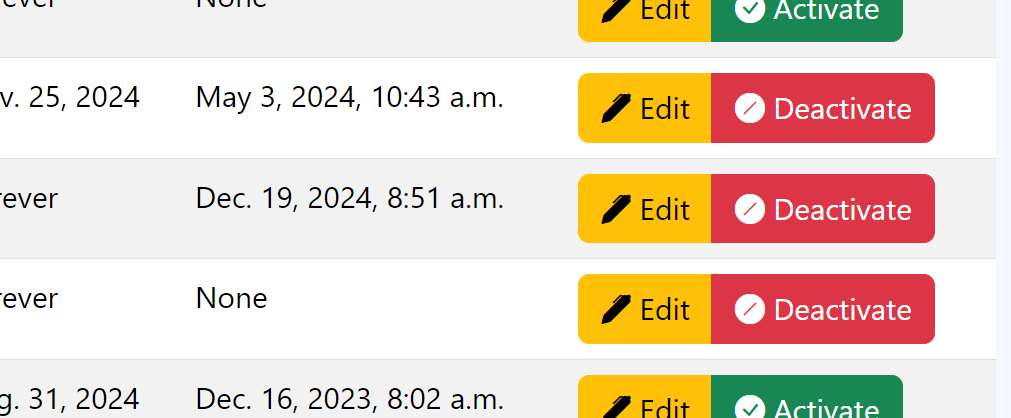
DRI Analytics Deactivate buttons on Users page.
Activating a User
On the navbar, click on the Users link.
On the Users page, find the user’s line for editing.
On the user’s line, click on the Deactivate button; the button changes to a green Activate button.
Warning
The Activate and Deactivate buttons toggle between each other when clicked.