Devices
Register a New Device
To register a new device on the Devices page, follow the steps below:
Registering a New Device
On the navbar, click on the Devices link.
On the top-left corner of the Device Management page, click on the + Register New Device button.
Fill the fields on the Add Device form.
Click on the Add Device button.
The figure below shows an empty Add Device form:
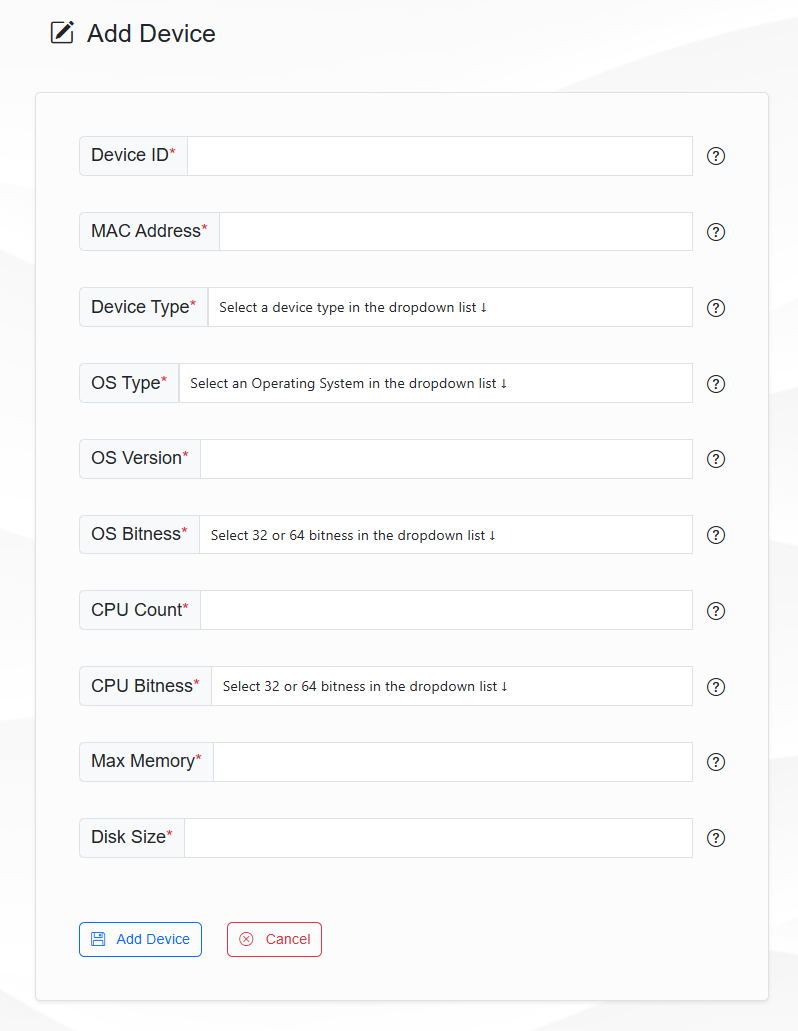
Add Device form on the Devices page