Manage Sites
The Manage Sites window on the Analytics page allows the user to create new sites on the selected project.
The figure below displays the Manage Sites panel with the input text field to enter a new site in the project.
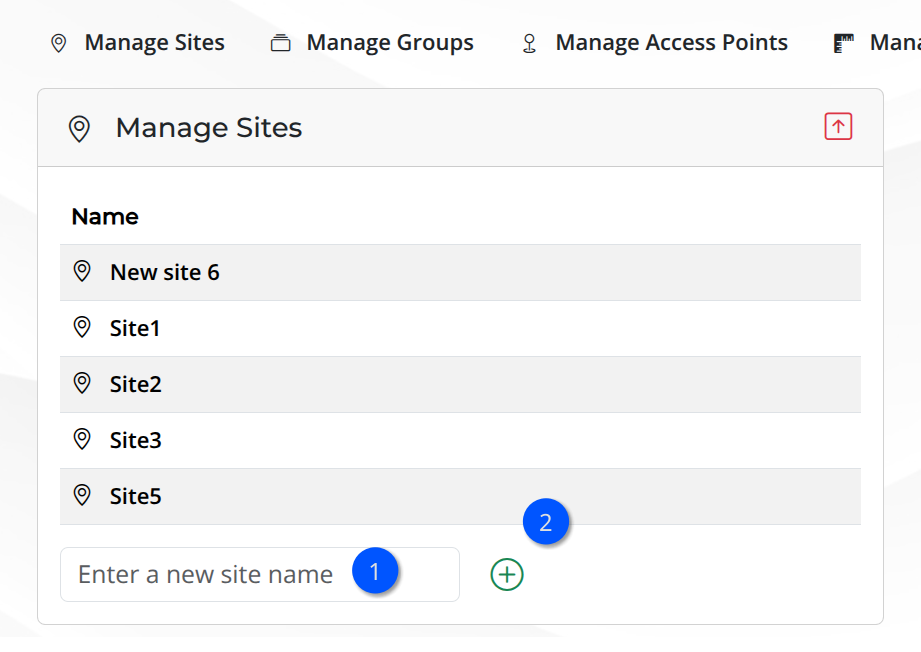
Manage Sites panel
Type the name of the new site in the text field and then click on the icon to add the site. The list of sites will be updated.
Warning
Duplicated name - If the user tries to add a site that already exists, the platform will throw an error message. Try again with a different name.
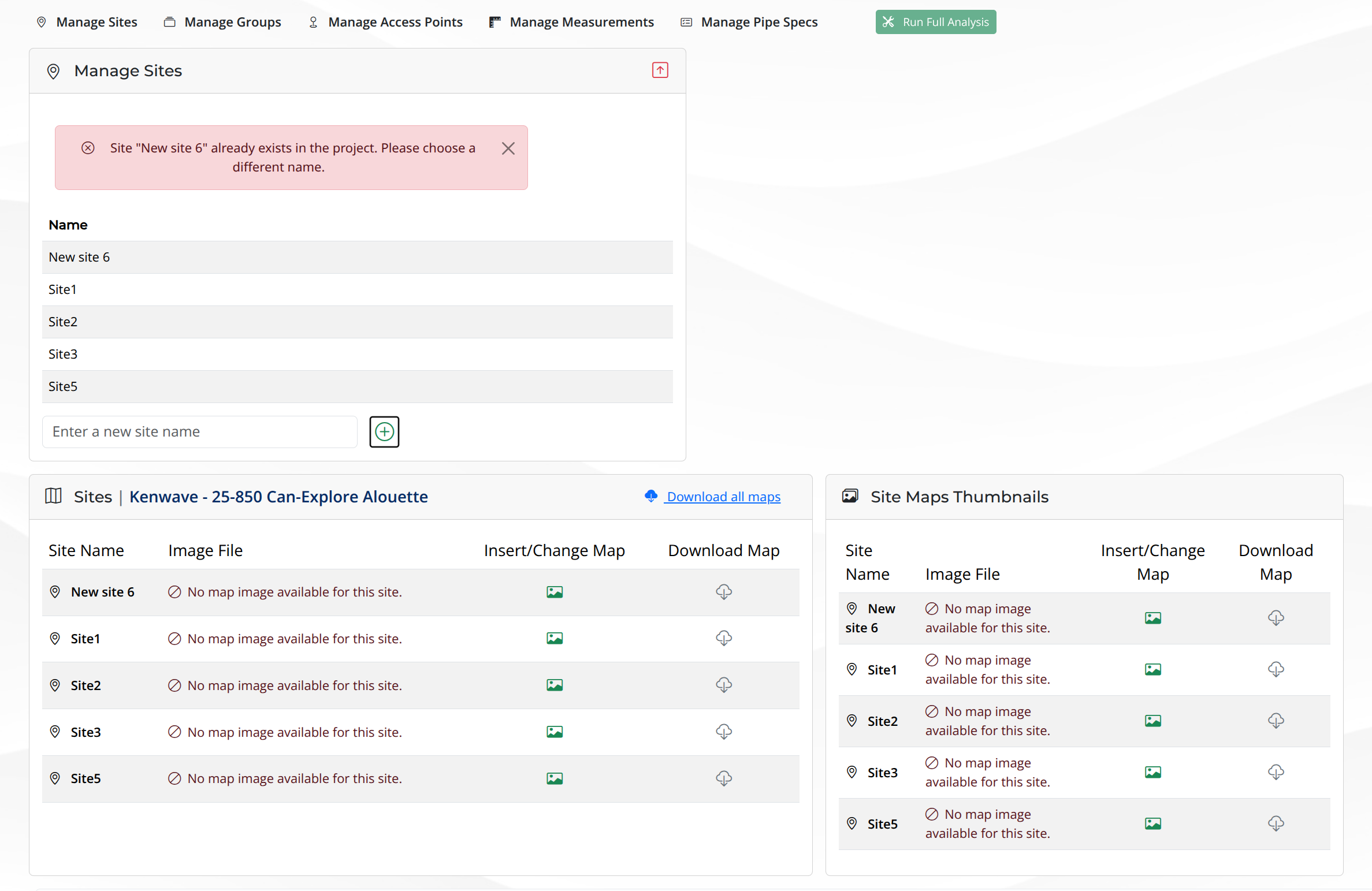
Duplicated site
When a unique site is added, the list of sites is updated in Manage Sites and Sites panels.
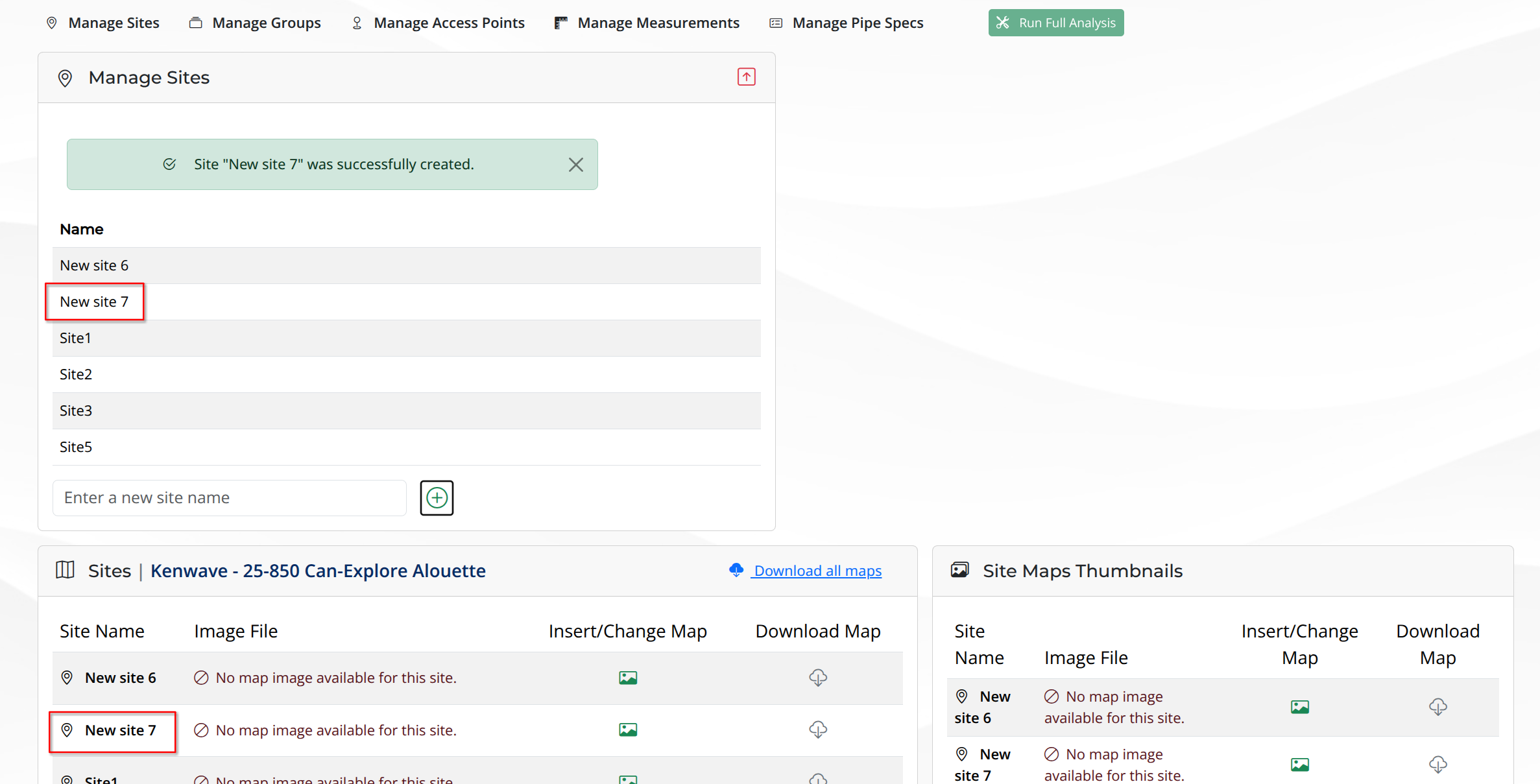
New site added
Warning
Unauthorized characters - Use only alphanumerica charaters, underscores (_) and dashes (-) in the file name.
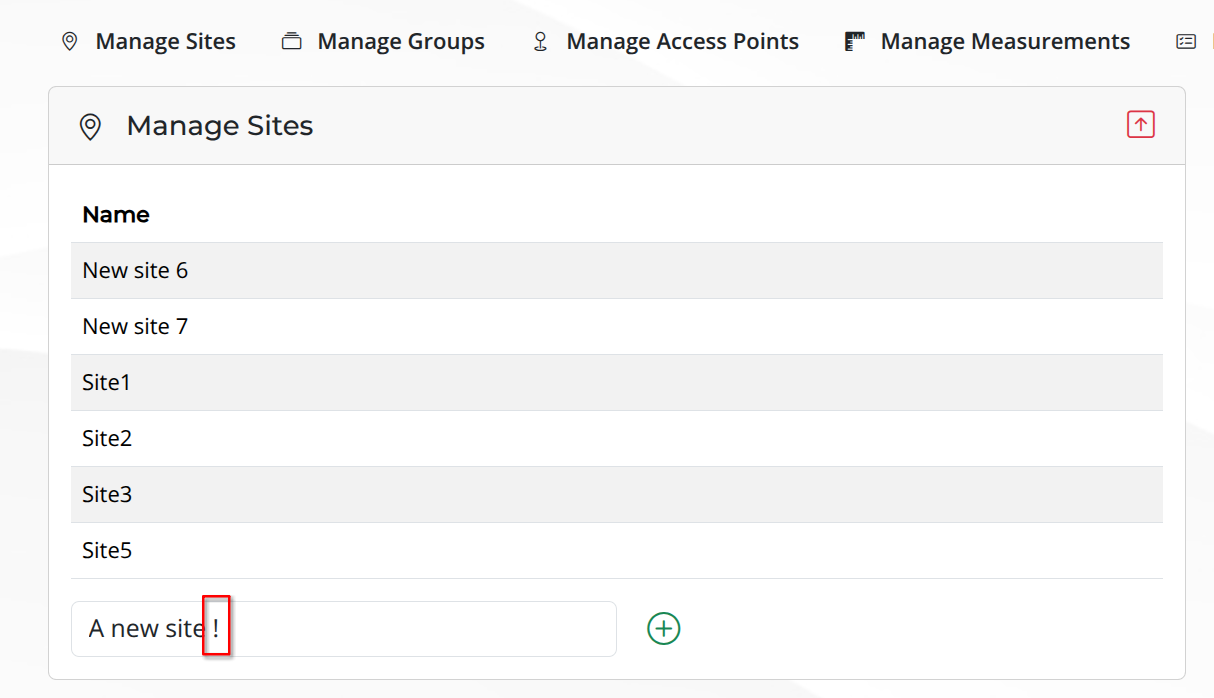
Unauthorized characters
The figure below shows the error message due to the use of invalid characters.
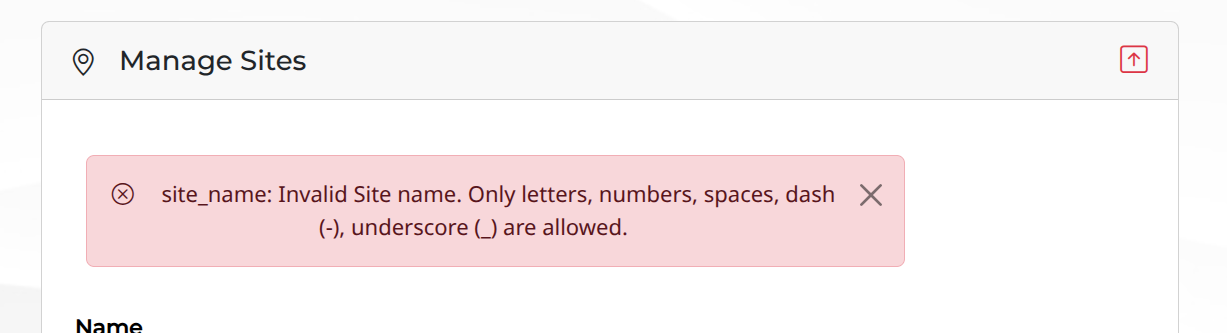
Error message