Devices
Check In / Out a Device
To check in or check out a device the Devices page, follow the steps below:
Checking In and Out a New Device
On the navbar, click on the Devices link.
On the Controls column, click on the green Check In button; a confirmation alert window appears.
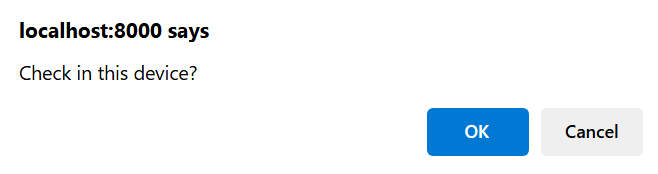
Click on the button OK to check in the device; click on the button Cancel to dismiss it.
The figure below presents an example of the Devices page with the Check In and Check Out buttons.
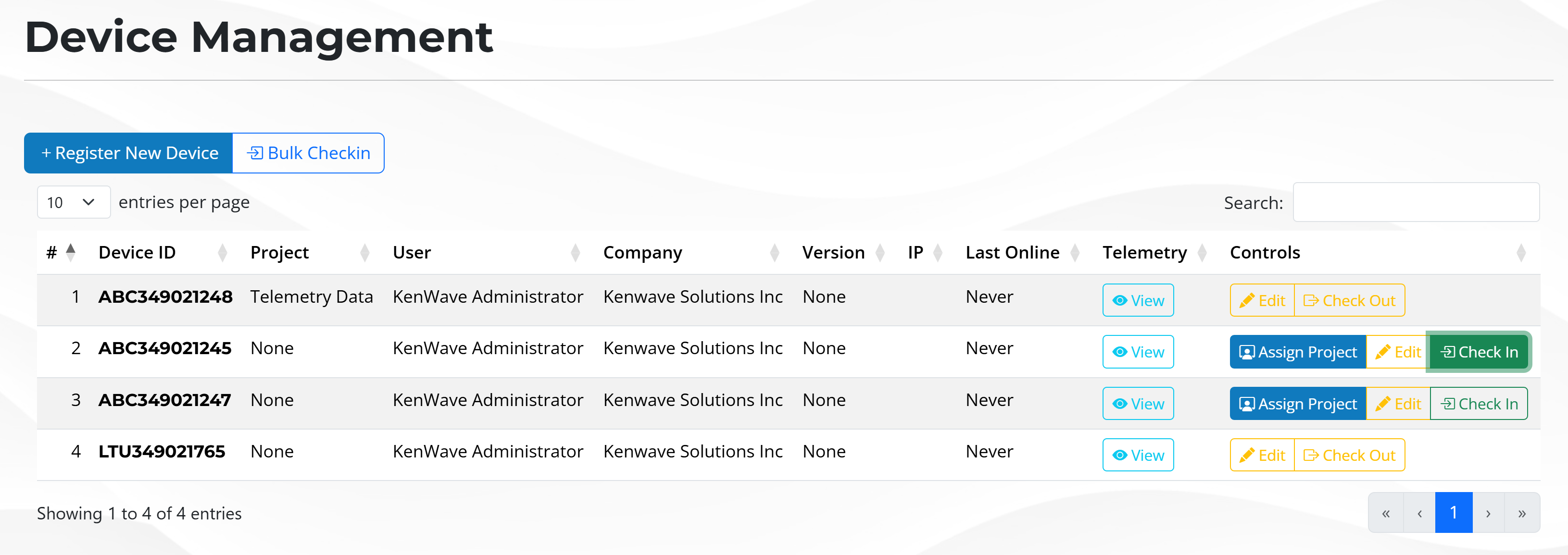
Devices page with check in and check out buttons