Devices
Telemetry
The Telemetry button on the Devices page opens to the Telemetry page where a list of device’s metrics allows the user to get the device’s telemetry basic information.
The Details buttons, at the right of the table, show all the telemetry details for a specific metrics recording time.
The figure below shows an example of a device’s telemetry data with different metrics.
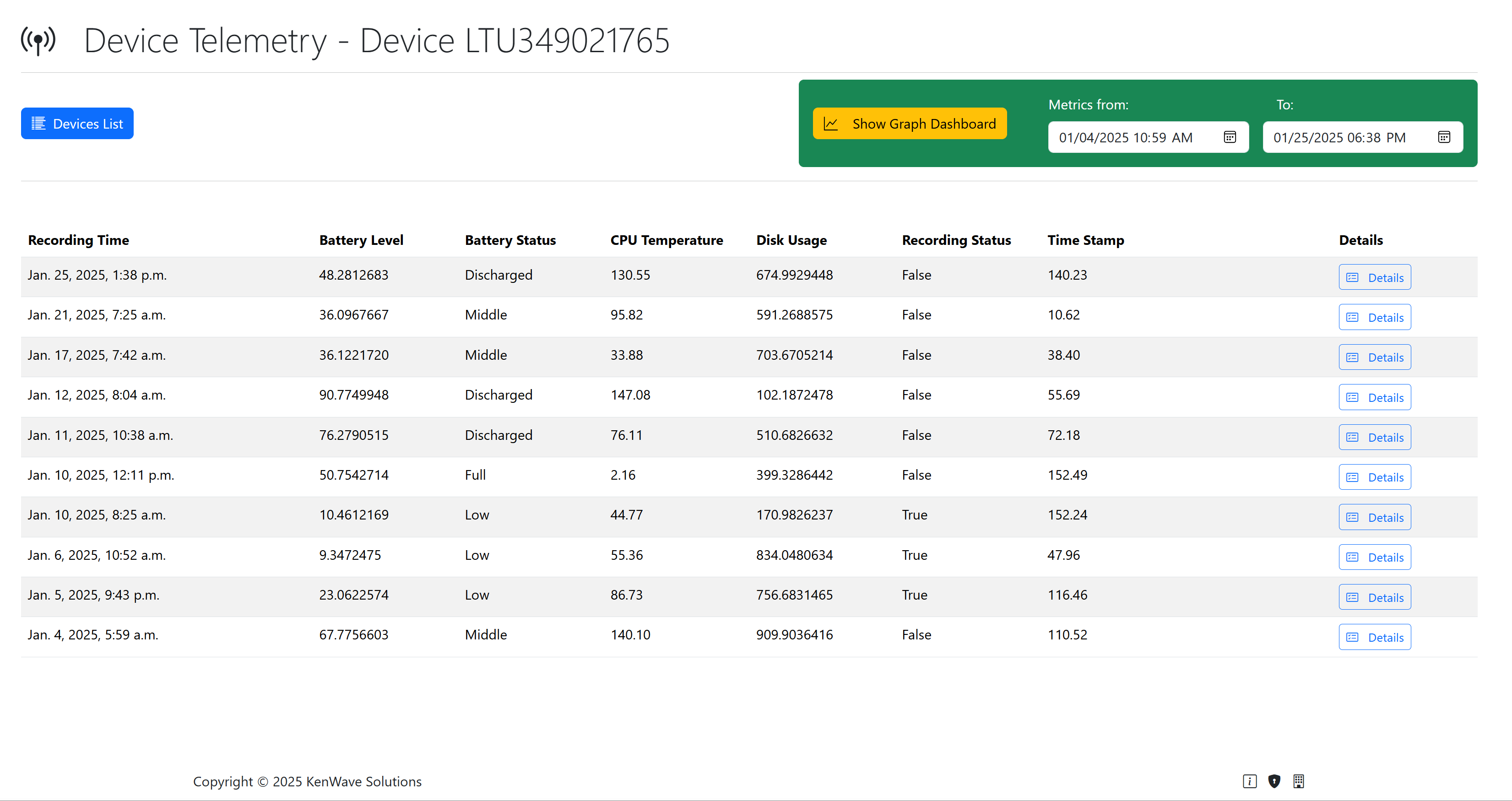
Device's telemetry page with Details buttons.
By clicking on the Details button, it is possible to visualize the telemetry detais and access its graphical dashboard. Click on the link bellow to follow the instructions.
How To See Telemetry Data