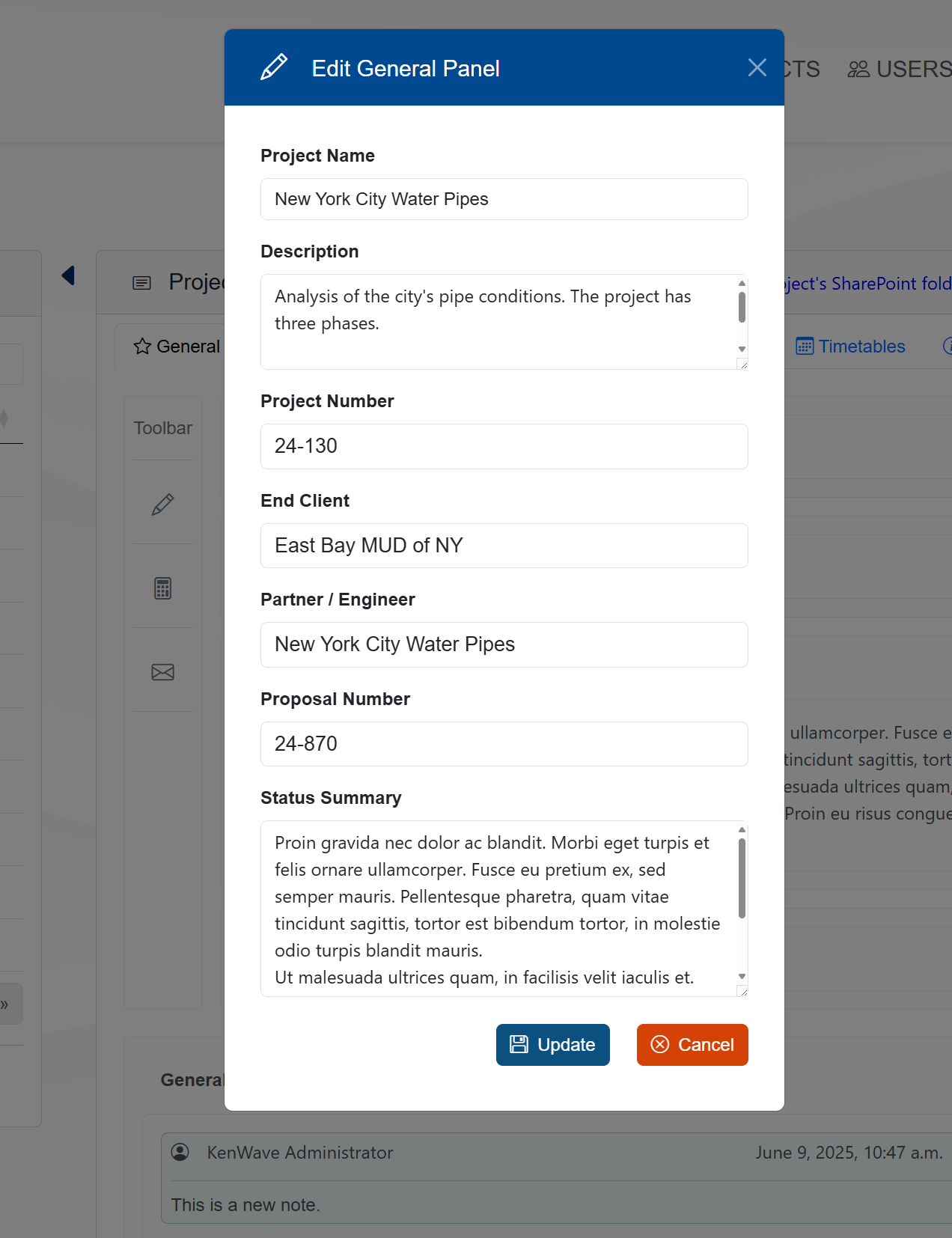
General
The General tab on the Management page allows the user to get general information about the company.
The figure below shows an example of the button Overview to access the KenWave Solutions Inc company information.
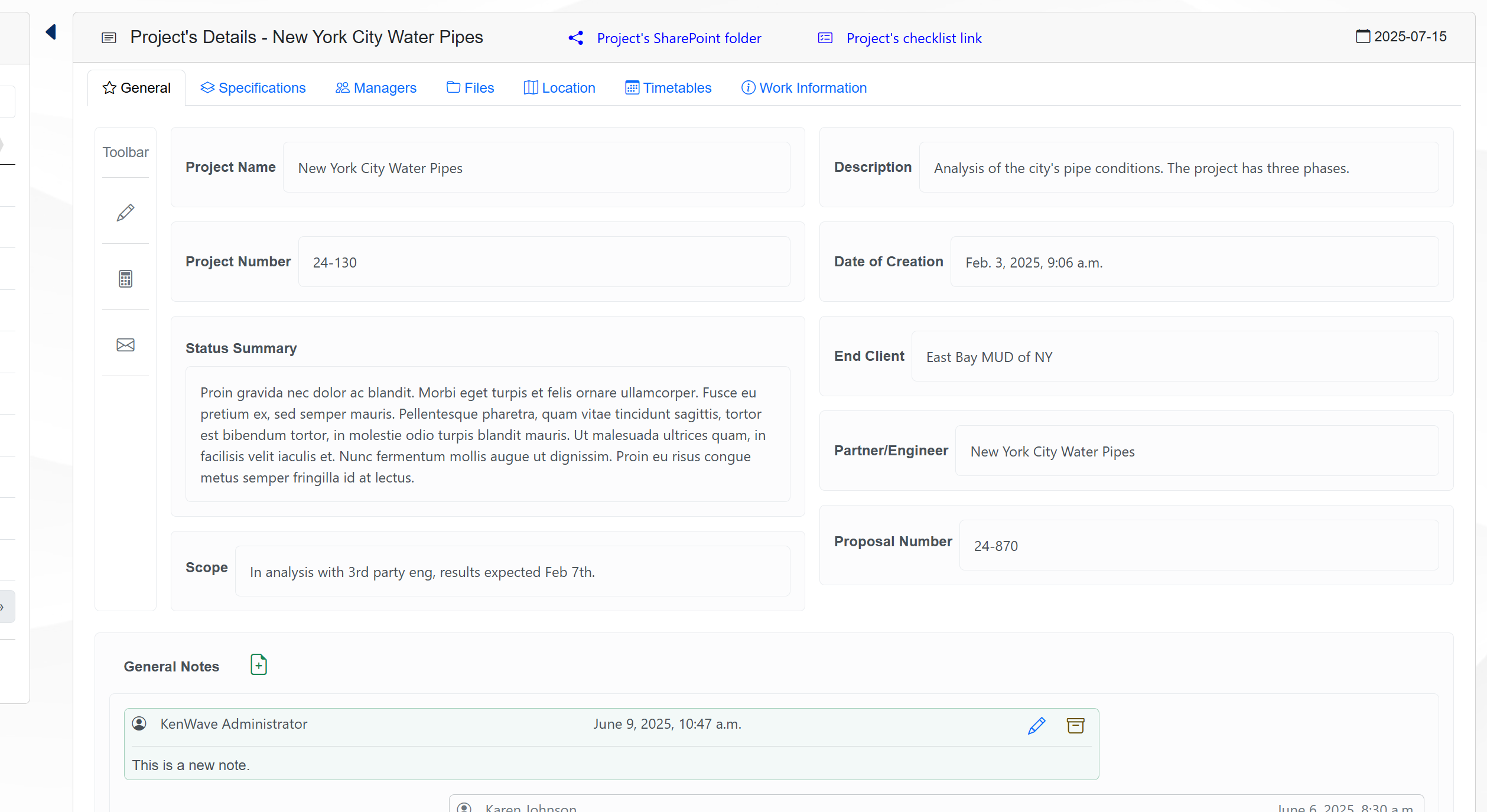
The General tab contains the following fields:
Project Name → The name of the project.
Description → A brief description of the project.
Project Number → The project number.
Date of Creation → The date when the project was created.
Status Summary → A summary of the project’s current status.
End Client → The end client for whom the project is being developed.
Partner/Engineer → The partner or engineer associated with the project.
Scope → The scope of the project.
Proposal Number → The proposal number associated with the project.
General Notes → Notes related to the project’s General tab.
To edit any field on the General tab, click on the Edit icon located at the toolbar, represented by a pencil.
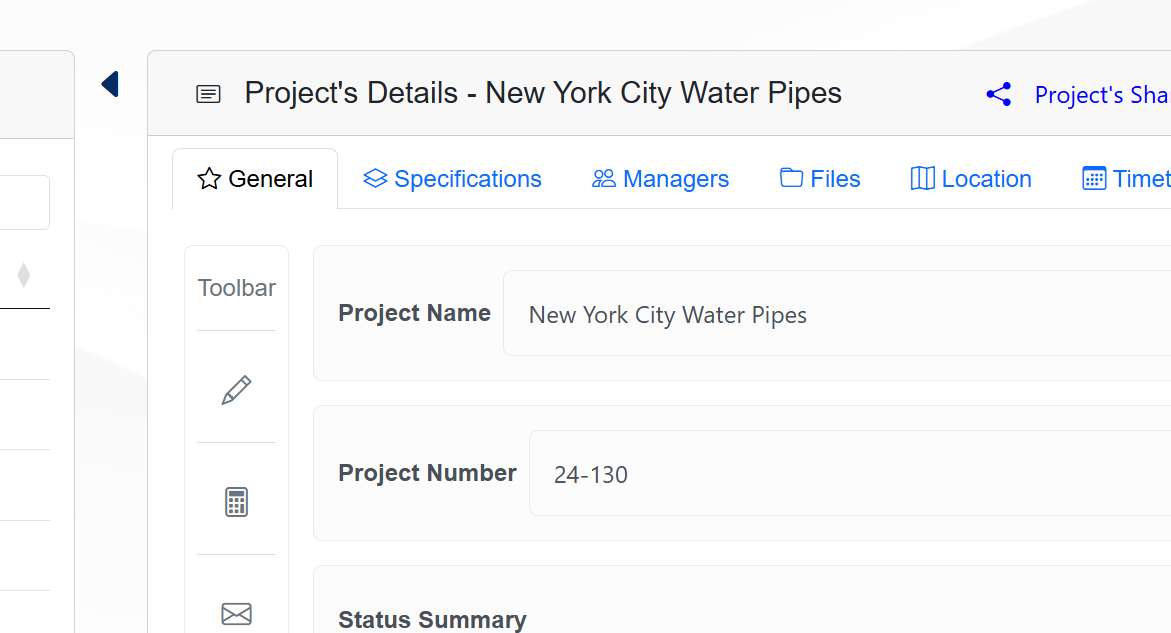
This will enable the fields for editing on a modal window. After making changes, click on the Update button to save your modifications; click on the Cancel button to discard any changes.