Management
Edit a Project Specification
To edit a project’s specification, follow the steps below:
Editing a Project Specification
- On the navbar, click on the Project Management link.
- Click on the Specifications tab.
- Click on the Edit icon on the Edit column of the table; the Update Specification form will appear.
- Update the fields on the form.
- Click on the button; the General tab will be displayed.
- Click on the Specifications tab to display the new specification on the table.
The figure below shows an example of the Update Specification form:
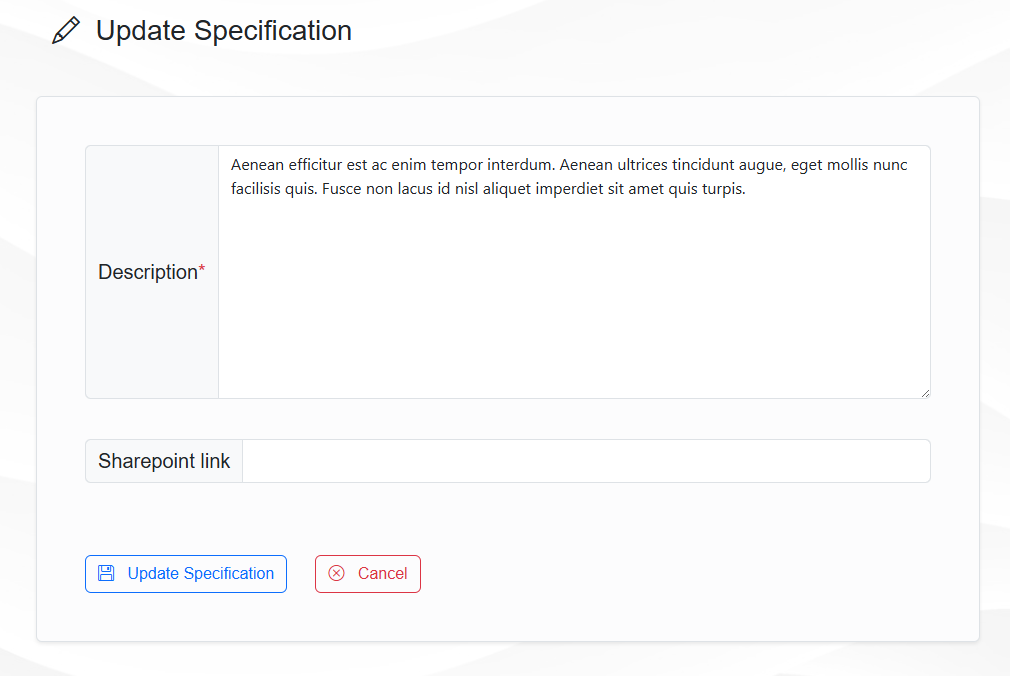
Update Specification form
Note
Any user can View the specification details, but only the respective authors can Edit them. So, not all Edit buttons will be visible for all users.