Location
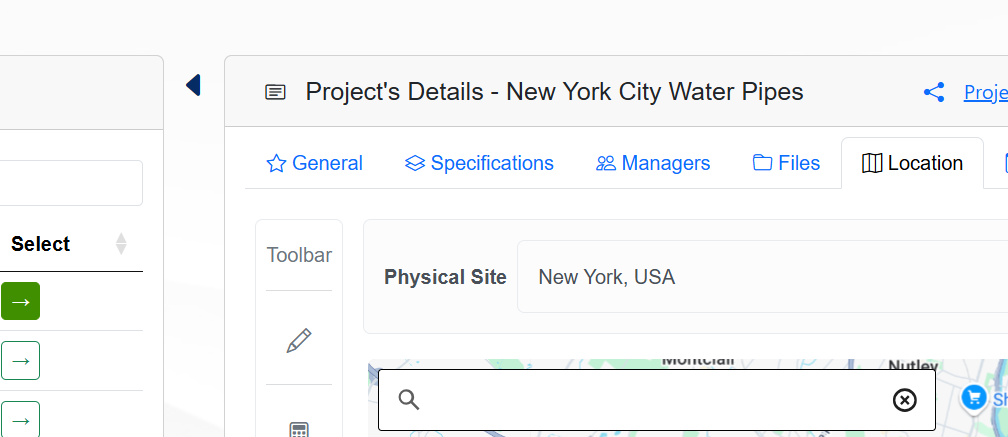
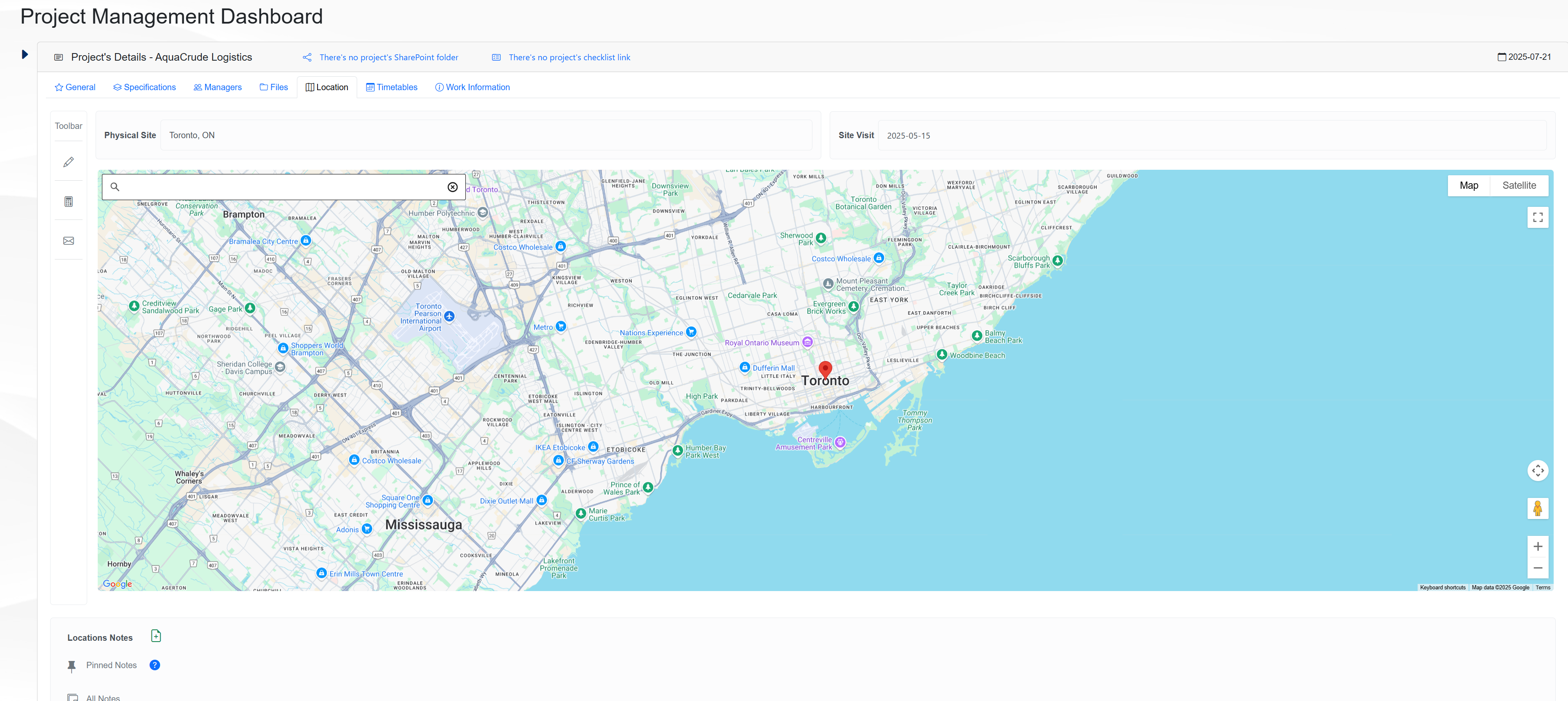
The Location tab on the Management page allows the user to get information about the project’s location and visit date. The page shows the following elements
Physical Site field → The physical location of the project.
Site Visit field → The date of the last visit to the project site.
Interactive Map → A map showing the project’s location.
Location Notes section → A text area for additional notes about the location.
The figure below shows an example of the Location tab.
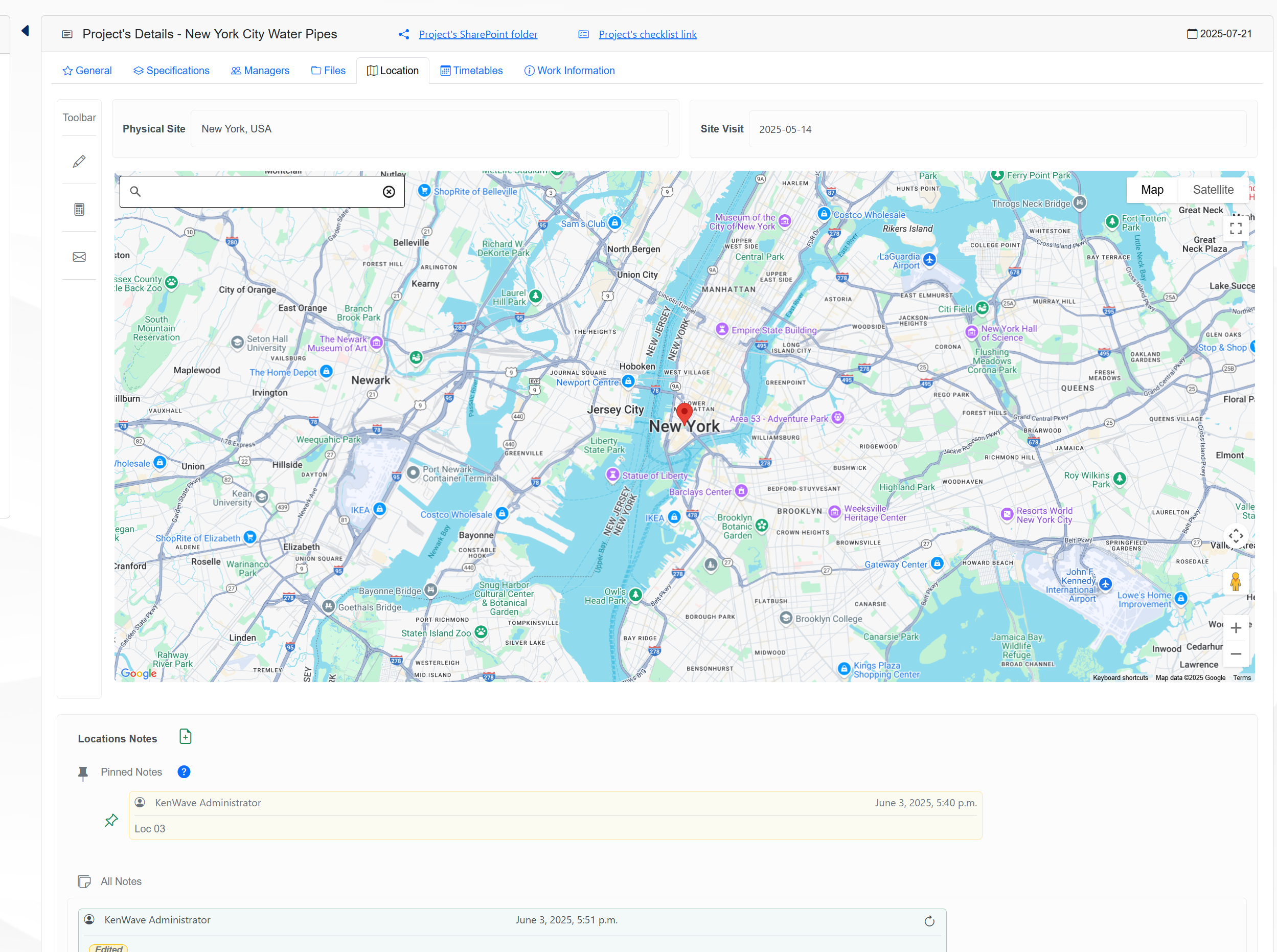
To edit the tab’s information, click on the Edit icon on the toolbar, represented by a pencil. A modal window will open where you can change the location and visit date information.
The figure below shows an example of the Edit Location Panel modal window.
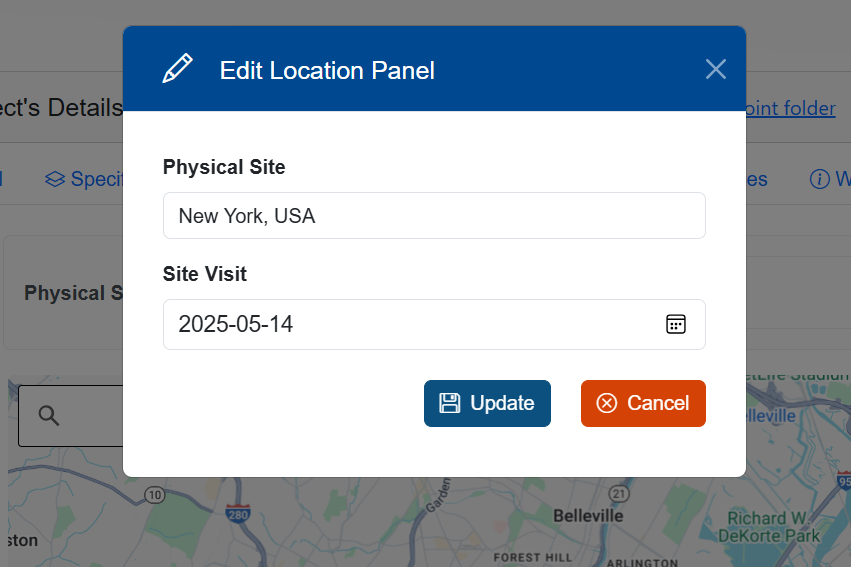
The Edit Location Panel modal window allows you to edit the location and visit date information. After making changes, click on the Save button to apply them.
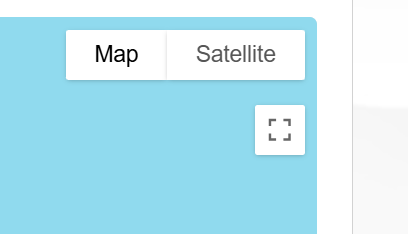
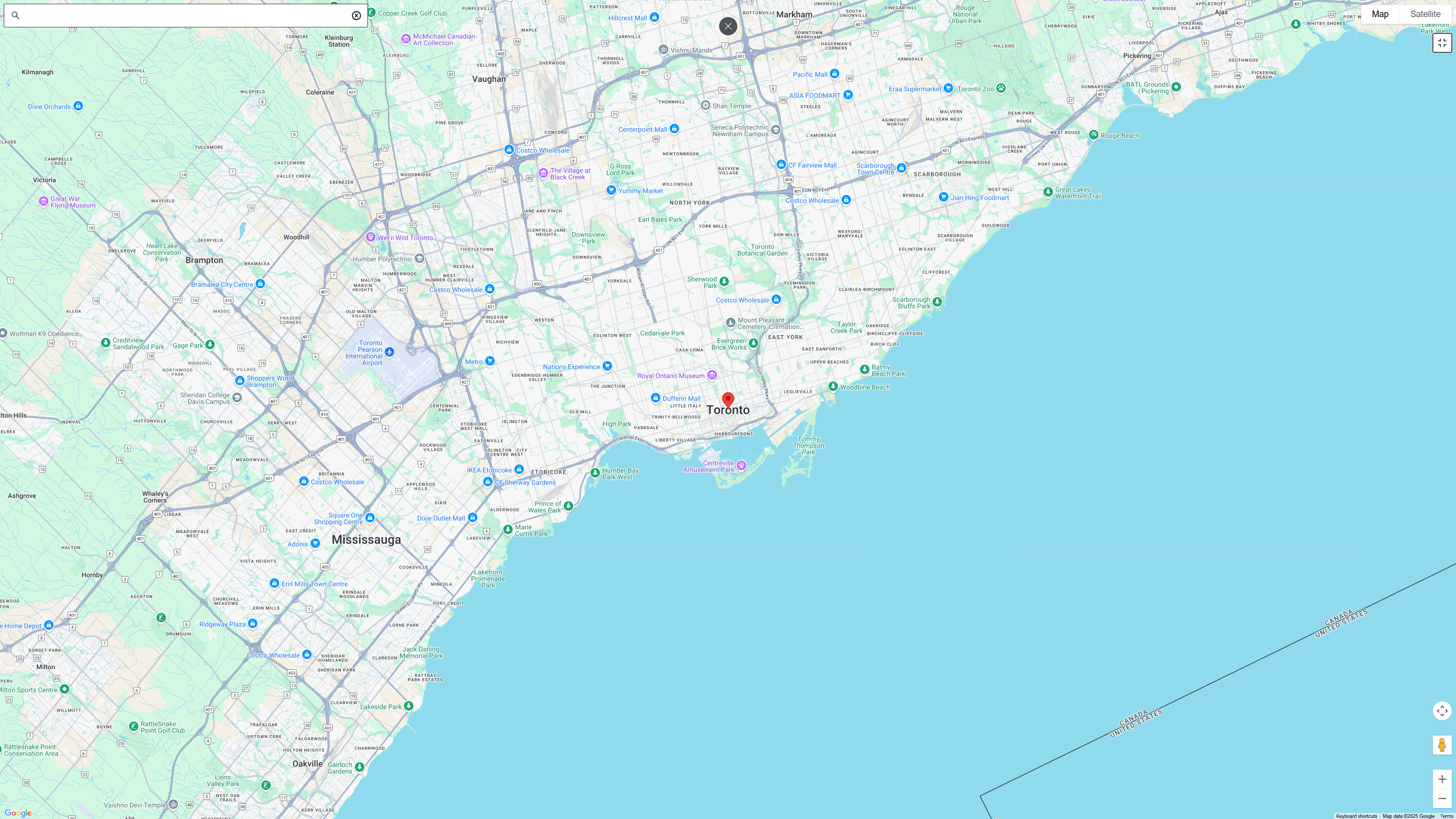
The figure below presents the expand icon and its view.
The figures below show the full screen icon and its view.