Work Information
The Work Information tab on the Management page allows the user to get the following project’s information:
Scope of Work → one of the following options:
Condition Assessment (CA)
Training
Leak Detection
R&D
Fieldwork Start Quarter
Mileage (miles)
Mileage (km)
Diameter (inches)
Report Quarter
The figure below show an example of the Work Information tab.
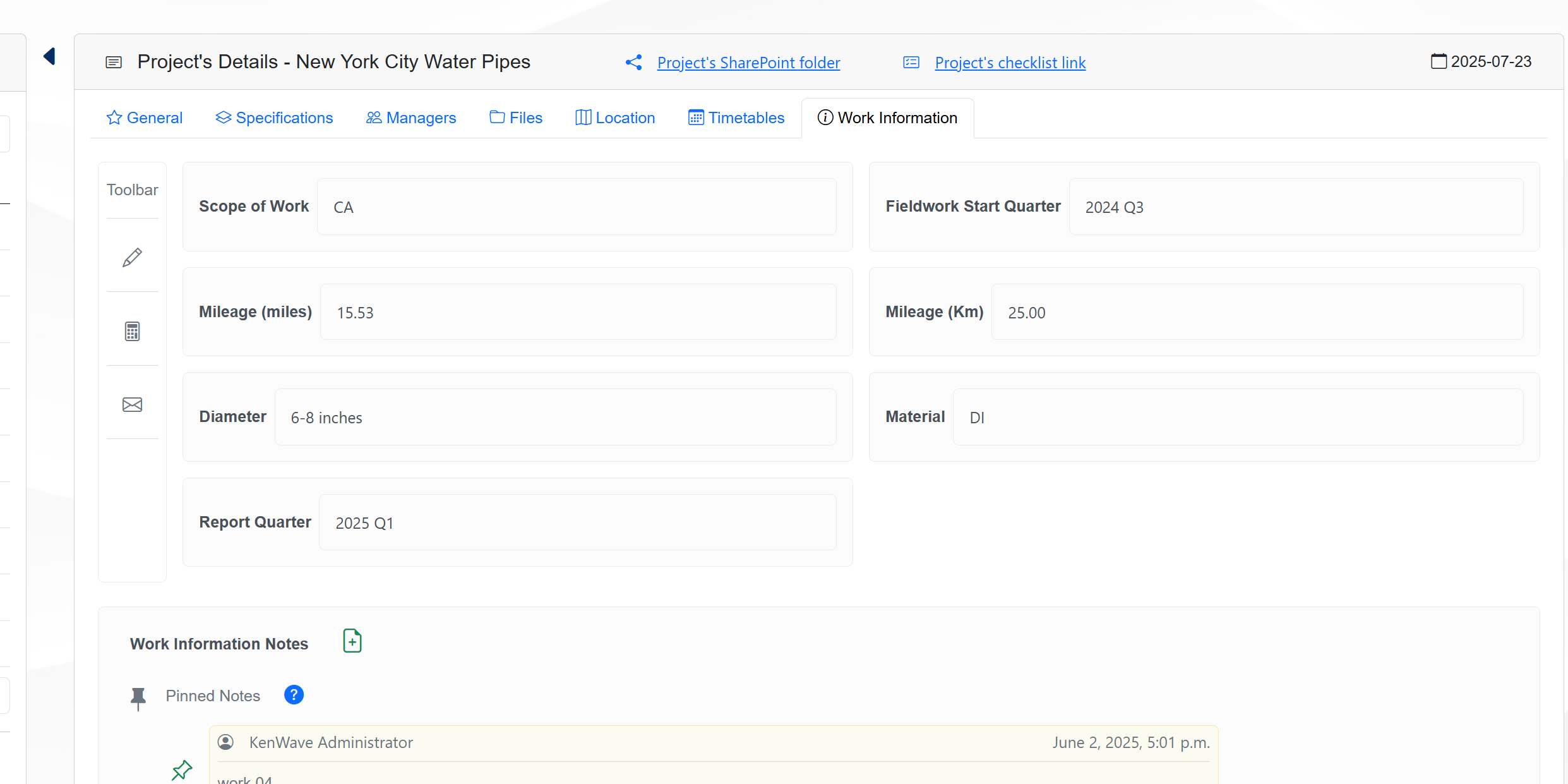
The Work Information tab provides a summary of the project scope and key metrics, which can be useful for project planning, execution, and reporting.
The information displayed helps managers and technicians to understand the project’s focus, timeline, and scale, facilitating better decision-making and resource allocation, in conjunction with the Timetables tab.
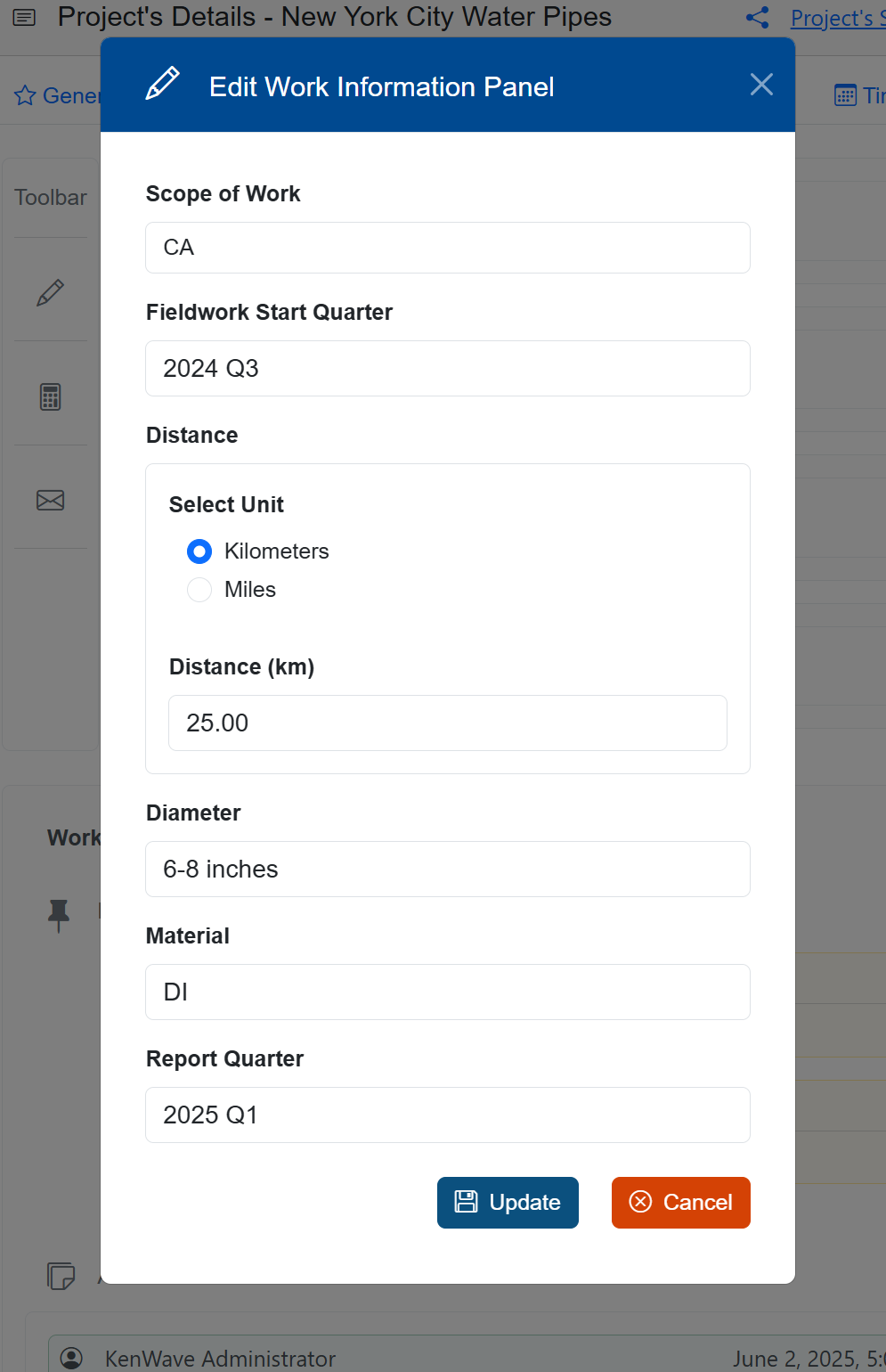
The figure below show an example of the Work Information edit window.
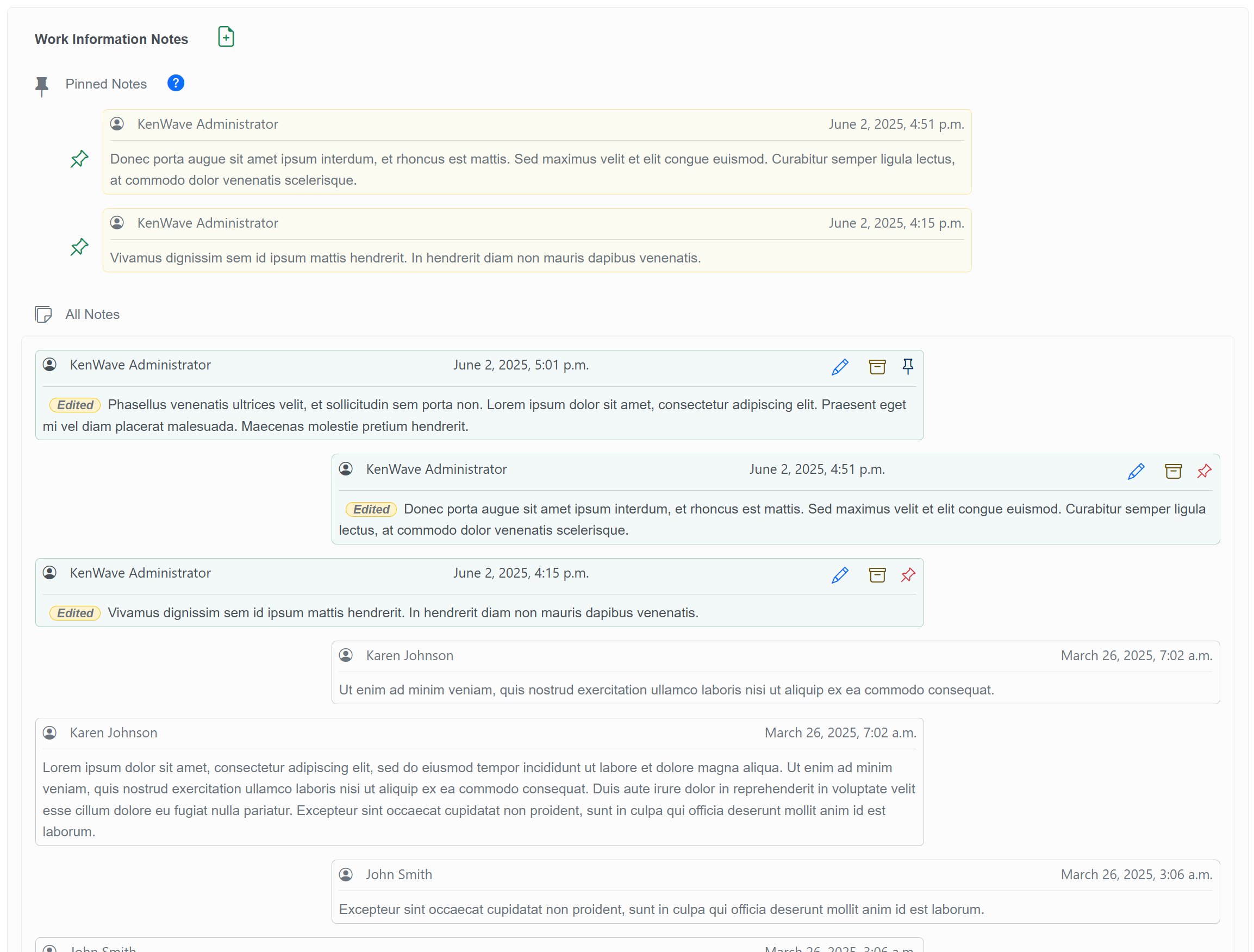
The figure below show an example of the Work Information’s notes section.